
Your crew sends IN on WhatsApp. Timesheets with overtime, ready to export.
Workers send IN to (855) 591-5011 on WhatsApp when they start and OUT when they leave. Each reply shows the time, with buttons to fix a punch or check their hours, in English or Spanish. Anyone without WhatsApp gets a one-tap clock link. You watch a live board, get a daily summary on WhatsApp, and download a timesheet with federal or California overtime already counted, ready to export.
$3 per employee a month, $29 minimum. No card needed for the trial.
Example WhatsApp replies from WaClock:
- IN: WaClock, Harbor Line Landscaping. Clocked in, Andre. 6:58 AM, Friday, October 9. Buttons: It was OUT, Cancel, My hours.
- Entrada: WaClock, Harbor Line Landscaping. Entrada registrada, Marisol. 7:04 AM, viernes 9 de octubre. Botones: Era SALIDA, Cancelar, Mis horas.
- OUT: WaClock, Harbor Line Landscaping. Clocked out, Kelly. 3:31 PM, Friday, October 9. Today: 8 h 30 min. Buttons: It was IN, Cancel, Clock in.
Who sends IN
Anyone with WhatsApp can message (855) 591-5011, and anyone without it gets a one-tap clock link. These are the crews WaClock was built around.
- Roofers: three roofs, one timesheet.
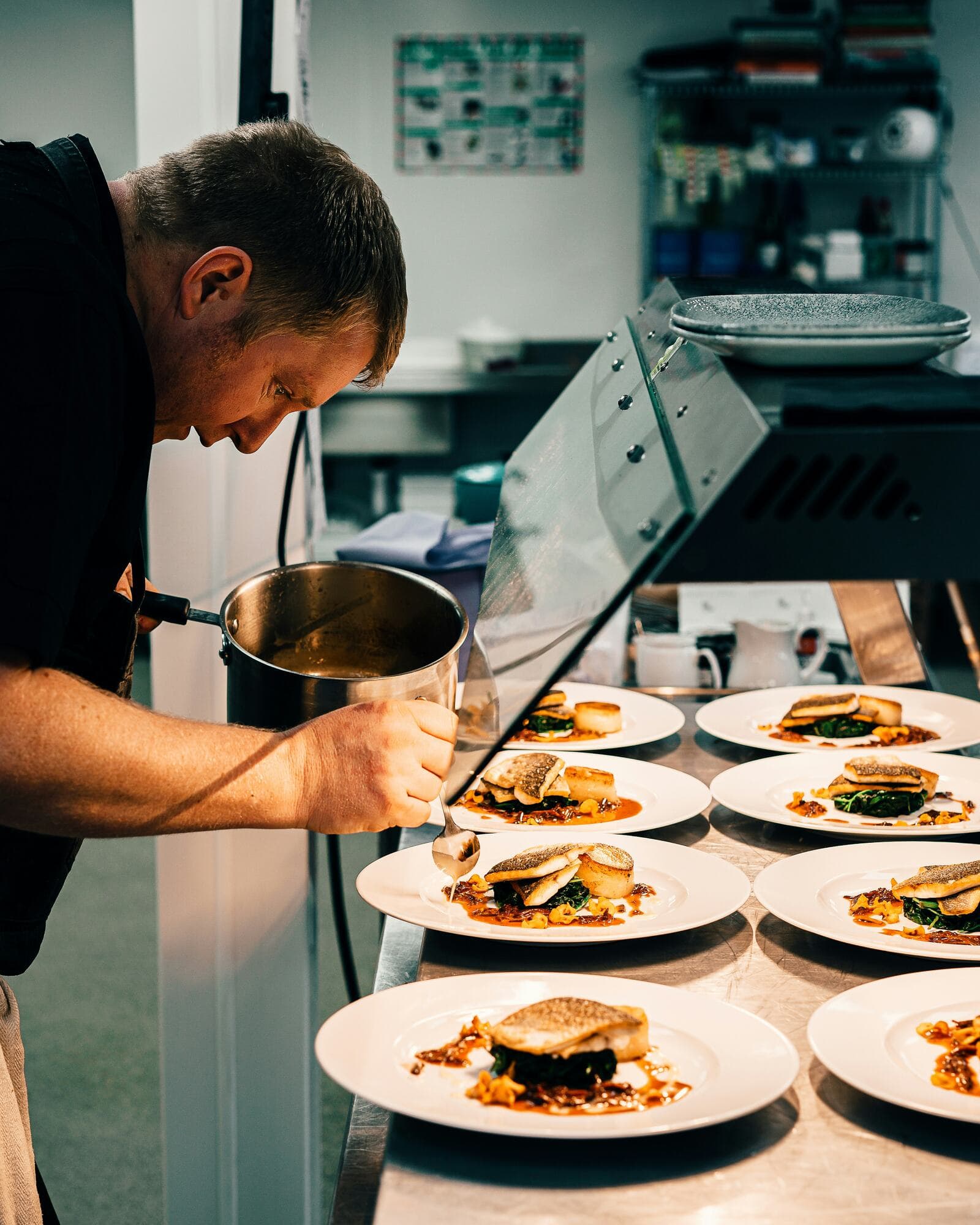
- Kitchens: send IN before the line opens.
- Movers: send IN at the yard, before the first box goes on the truck.
- Painters: the Saturday job lands on the same week, under the same overtime rules.
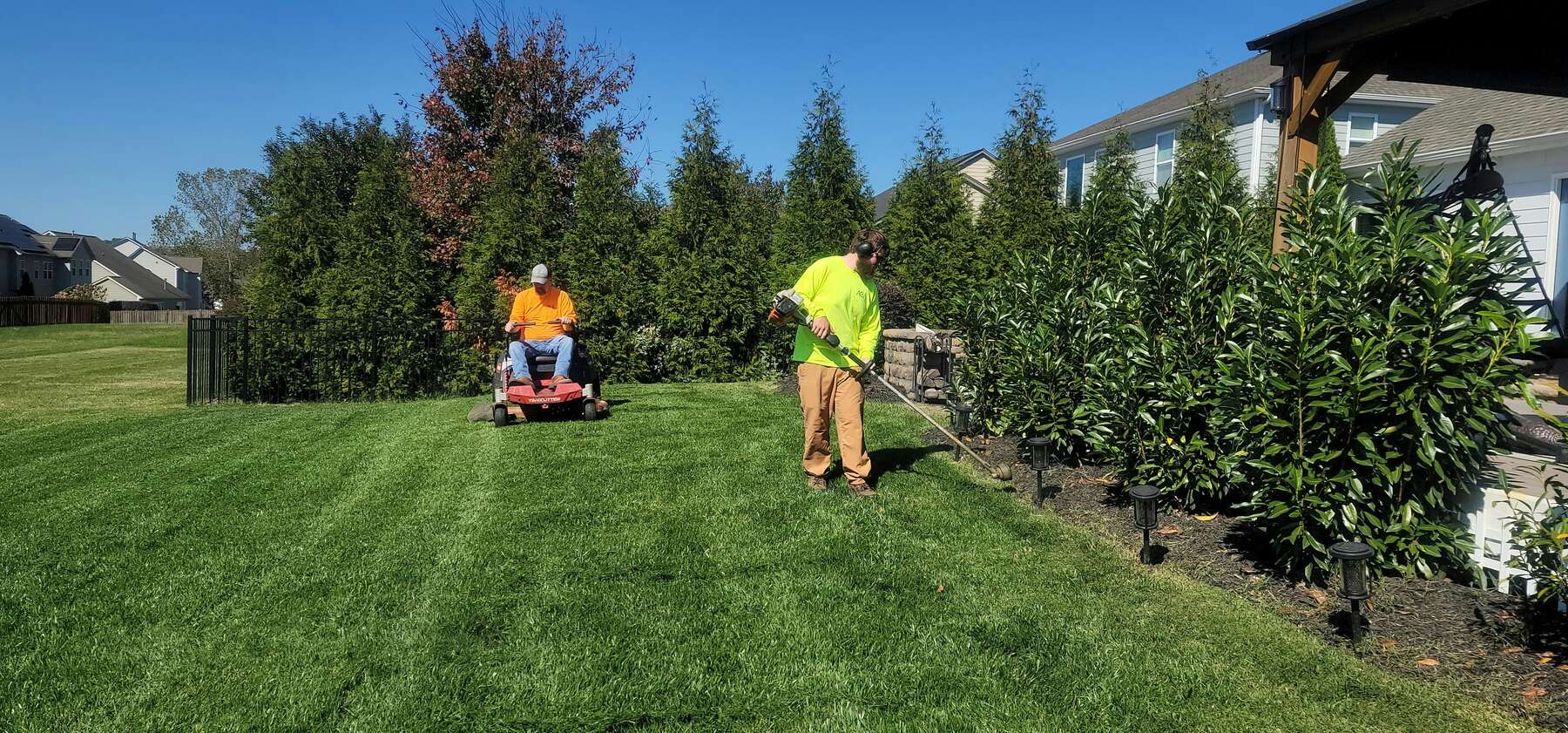
- Landscapers: crews split across six yards, one board.
- Event staff: a one-night crew clocks in from their own phones. No badges to hand out.
- Cleaning crews: each person sends IN from the first house of the day.

One workday, punch by punch
What the crew sends on WhatsApp, what WaClock answers, and the one thing a manager does by hand.
- 6:58 AMIN
Andre sends IN on WhatsApp from the yard.
The card repeats the time that went on his record, so nobody argues about it on Friday. Tapped the wrong word? It was OUT or Cancel fixes it within 30 minutes, and My hours shows today and this week.
WaClockonlineTodayINWaClock, Harbor Line LandscapingClocked in, Andre6:58 AM, Tuesday, October 6- It was OUT
- Cancel
- My hours
- 7:04 AMENTRADA
Marisol sends ENTRADA.
Workers can clock in and out in Spanish. Every card and button comes back in the language you set for that worker.
WaClockonlineTodayEntradaWaClock, Harbor Line LandscapingEntrada registrada, Marisol7:04 AM, martes 6 de octubre- Era SALIDA
- Cancelar
- Mis horas
- 11:30 AMFIX
A manager fixes a forgotten clock-out.
Dwayne went home yesterday without sending OUT and missed the reminder WaClock sent him. His manager adds 3:30 PM from the timesheet. The original punches stay on record, and the change shows who made it and when.
Dwayne CarterMonday- IN
- 6:30 AM on WhatsApp
- OUT
- none, forgot to send OUT
- OUT
- 3:30 PM added by a manager
Changed Tuesday at 11:30 AM. Original kept.
- 3:31 PMOUT
Kelly sends OUT.
Her shift closes on the board, and her card shows the hours she worked today. If you turned on WhatsApp alerts, you see each clock-in and clock-out as it happens.
WaClockonlineTodayOUTWaClock, Harbor Line LandscapingClocked out, Kelly3:31 PM, Tuesday, October 6Today: 8 h 30 min- It was IN
- Cancel
- Clock in
- FridayCSV
hours-week-41.csv goes to payroll.
Every day, at the hour you pick, a WhatsApp summary tells you who worked, the hours, who is still clocked in and what needs review. On Friday, download the week as CSV or Excel. Regular, overtime and double time come in separate columns, ready to import into most payroll tools.
hours-week-41.csvSample week 41 payroll file: hourly rate, regular and overtime hours, and gross pay per worker Worker Rate Regular OT 1.5x Gross Andre Wilson $25.00 40.00 4.50 $1,168.75 Marisol Ortega $23.00 38.50 0.00 $885.50 Dwayne Carter $28.00 40.00 6.50 $1,393.00 Kelly Nguyen $22.00 36.25 0.00 $797.50 Total 154.75 11.00 $4,244.75 Gross is regular hours times the rate, plus overtime hours times 1.5 times the rate.
The board you open in the morning
A screenshot of the WaClock demo: a sample landscaping crew of nine on California rules. Open the same board and click around.
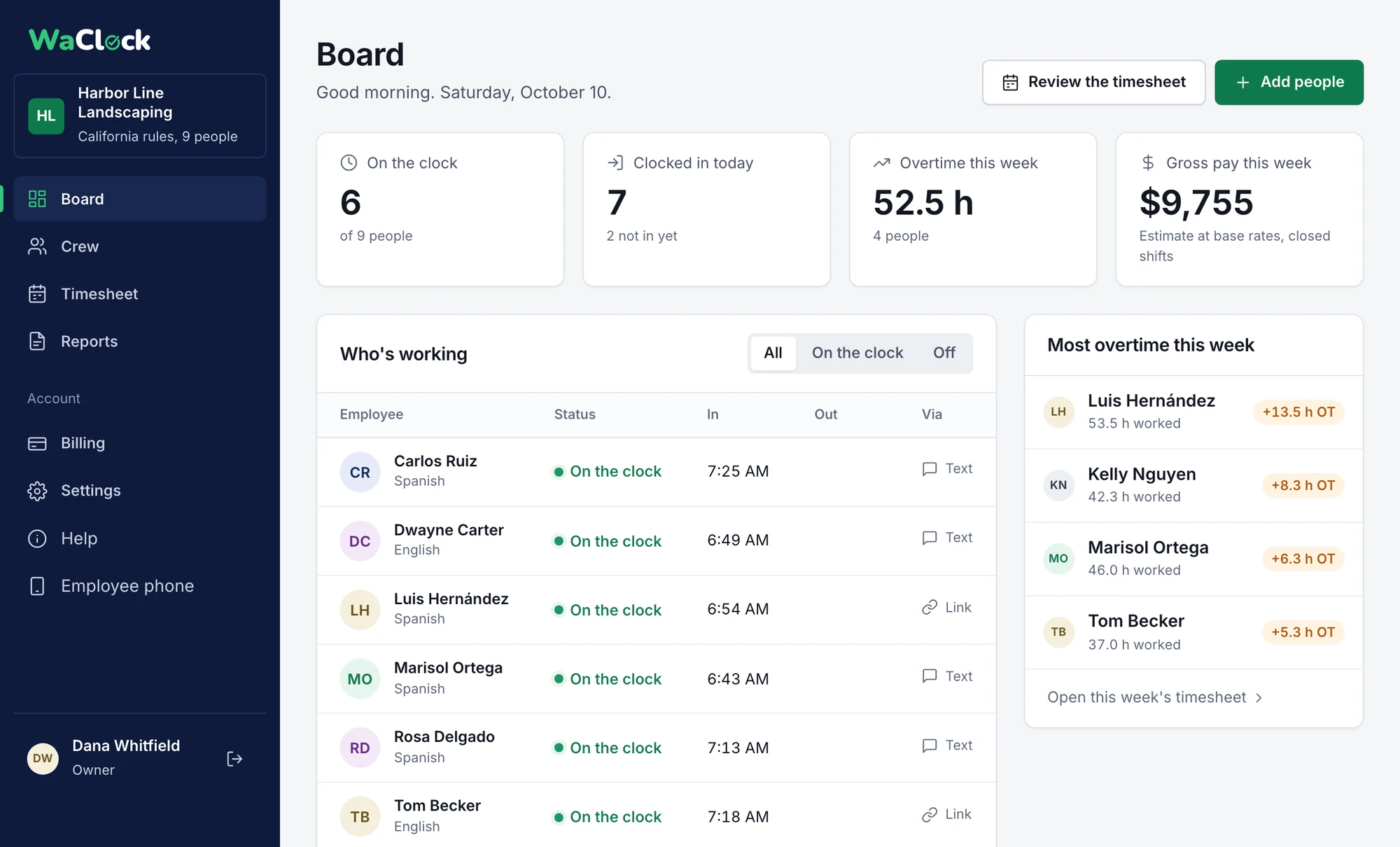
- Each row shows how the worker clocked in: a message, or a tap on their personal clock link.
- Overtime for the week, per person, while there is still time to change the schedule.
A 48-hour week in California
Ten hours Monday to Thursday, eight on Friday. This is how WaClock splits it.
- Daily rule first. Hours past 8 in a day are overtime at 1.5x. That is 2 hours on each of the four 10-hour days, 8 hours in all.
- Weekly rule second. Only regular hours count toward 40. There are exactly 40, so the weekly rule adds nothing on top.
- Result: 40 regular and 8 overtime. A sheet that shows 16 overtime hours has paid the same 8 hours twice.
Outside California WaClock uses the federal rule: 1.5x past 40 hours in the workweek. This week comes out the same there. Long days do not: four 12-hour days are 32 regular and 16 overtime in California, and 40 regular and 8 overtime under the federal rule. California double time starts past 12 hours in a day, and past 8 hours on the seventh day in a row. Meal and rest breaks are not tracked yet.
| Day | Worked | Regular | OT 1.5x |
|---|---|---|---|
| Mon | 10.00 | 8.00 | 2.00 |
| Tue | 10.00 | 8.00 | 2.00 |
| Wed | 10.00 | 8.00 | 2.00 |
| Thu | 10.00 | 8.00 | 2.00 |
| Fri | 8.00 | 8.00 | 0.00 |
| Week | 48.00 | 40.00 | 8.00 |
- Regular
- 40.00 x $24.00 = $960.00
- Overtime
- 8.00 x $36.00 = $288.00
- Gross
- $1,248.00
$3 a head. No tiers, no setup fee.
Every feature is in the one plan. You pay for the people on your crew list each month, with a $29 minimum and no contract.
- 6 people
- $29, the minimum
- 15 people
- $45
- 40 people
- $120
- Clock in and out on WhatsApp
- Fix buttons and My hours for workers
- One-tap clock link for anyone without WhatsApp
- Live board of who is working
- WhatsApp alerts and a daily summary
- Federal and California overtime
- CSV and Excel payroll export
- English and Spanish for every worker
First 30 days free, no card needed. After the trial it renews monthly until you cancel.
What owners ask us
Do my workers need an app?
Only WhatsApp, which most crews already use. They send IN and OUT to (855) 591-5011, and anyone without WhatsApp taps a personal clock link instead. There is nothing new to install and no password to remember.
Does it work in Spanish?
Yes. Workers can send ENTRADA and SALIDA, and every reply, button and reminder comes back in the language you set for them.
What if someone taps the wrong word?
Each reply card has fix buttons. For 30 minutes after a punch the worker can tap It was OUT (or It was IN) or Cancel, then confirm. After that, a manager fixes it from the timesheet. My hours on the same card shows their hours today and this week.
What if someone forgets to clock out?
WaClock can send them one reminder on WhatsApp, and they can clock out from it or reply with the time they left. Otherwise you fix the day from the timesheet in a few clicks. The original punches are kept, and the change records who made it and when.
How do I know who clocked in?
Open the live board, or turn on WhatsApp alerts: you and your managers can get a message when someone clocks in or out or fixes a punch, plus a daily summary at the hour you choose with who worked, total hours, who is still clocked in and what needs review.
How is overtime calculated?
Federal rules by default: 1.5x for hours over 40 in the workweek. For California crews WaClock also applies daily overtime over 8 hours, double time over 12 and the seventh-day rule, then the weekly rule, without paying the same hour twice. Meal and rest breaks are not tracked yet.
How do workers stop the messages?
WhatsApp lets anyone block the WaClock number at any time. WaClock only replies to messages a worker sends, plus at most one reminder when a clock-out seems to be missing. A worker who blocks the number can still clock in with their personal clock link.
What does it cost?
$3 per employee a month with a $29 monthly minimum. The first 30 days are free and you do not need a card to start.
Retire the punch clock this week.
Add your crew tonight, and their next shift can start with IN on WhatsApp to (855) 591-5011. The trial needs no card, and workers need no new app or password.